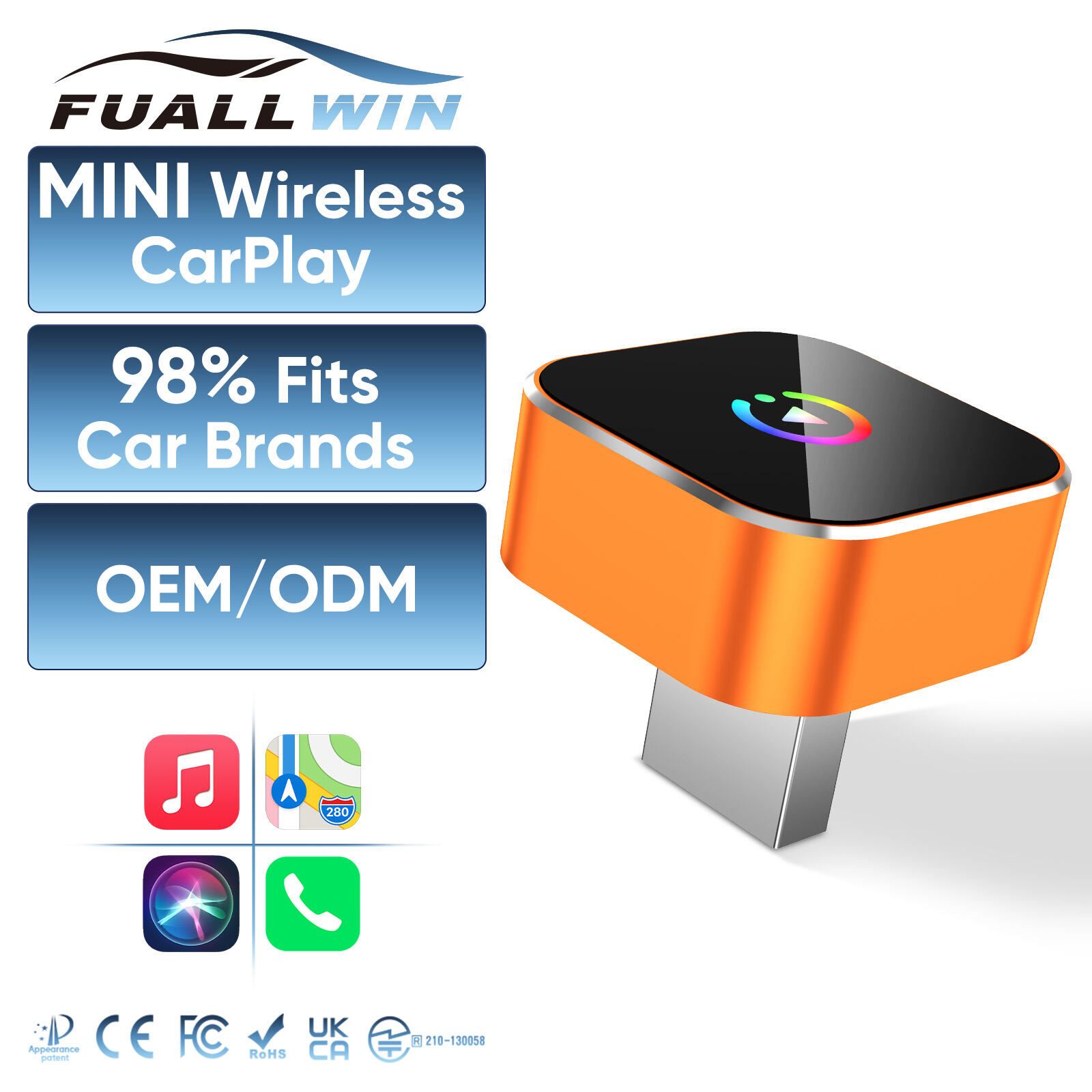
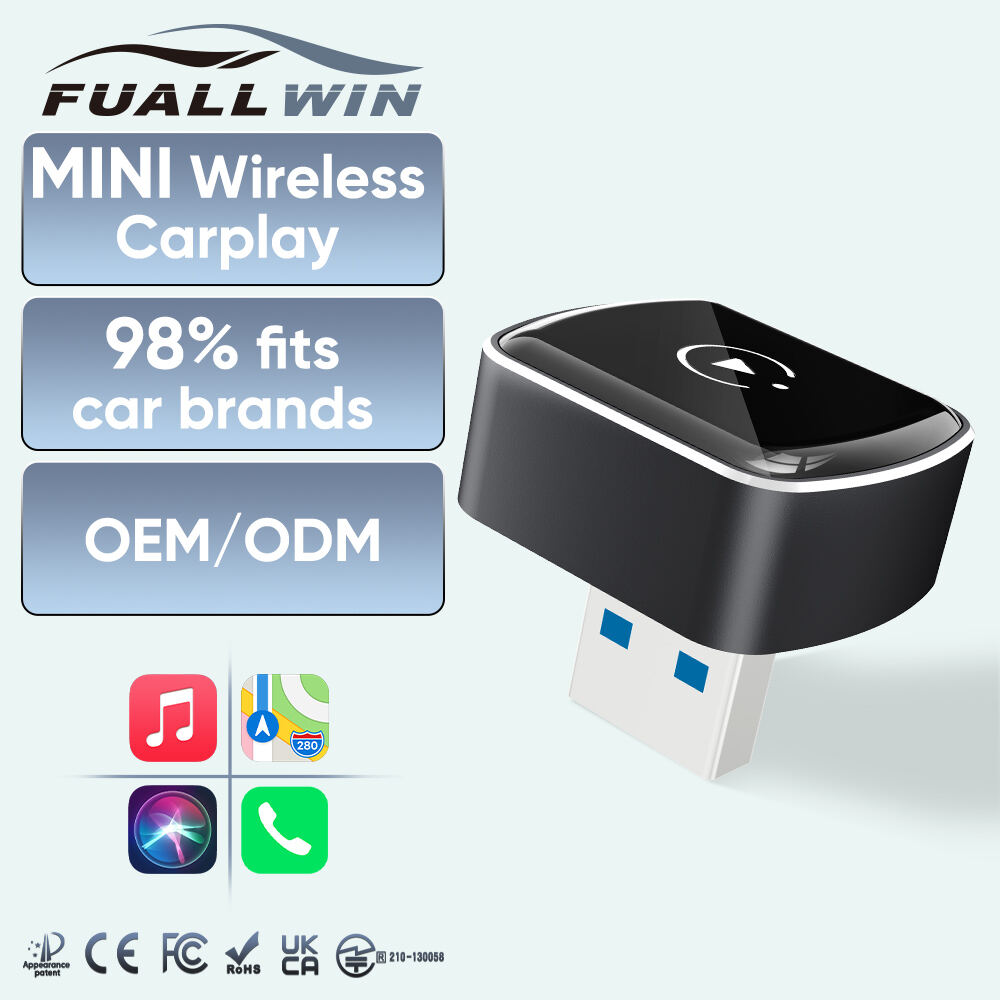
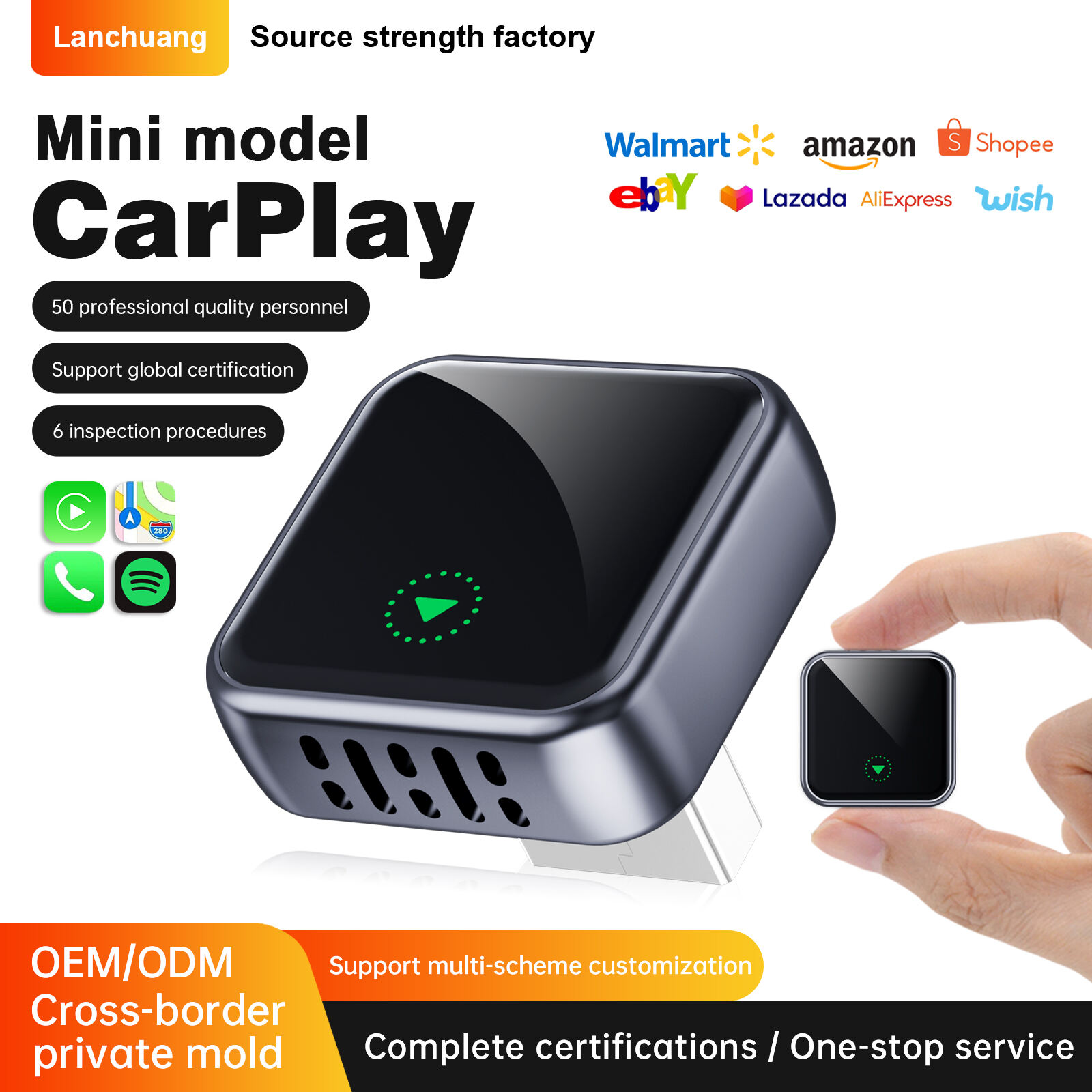
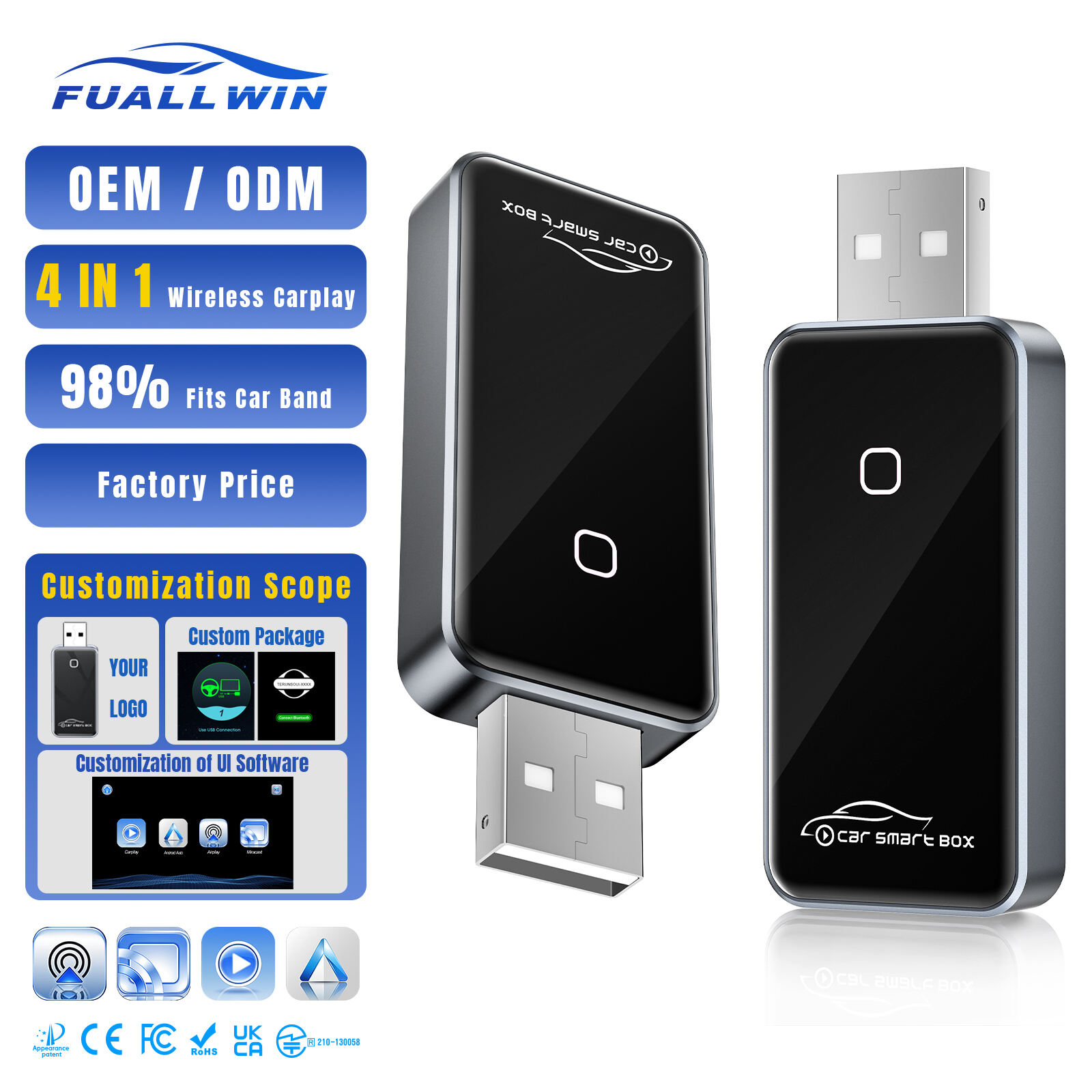
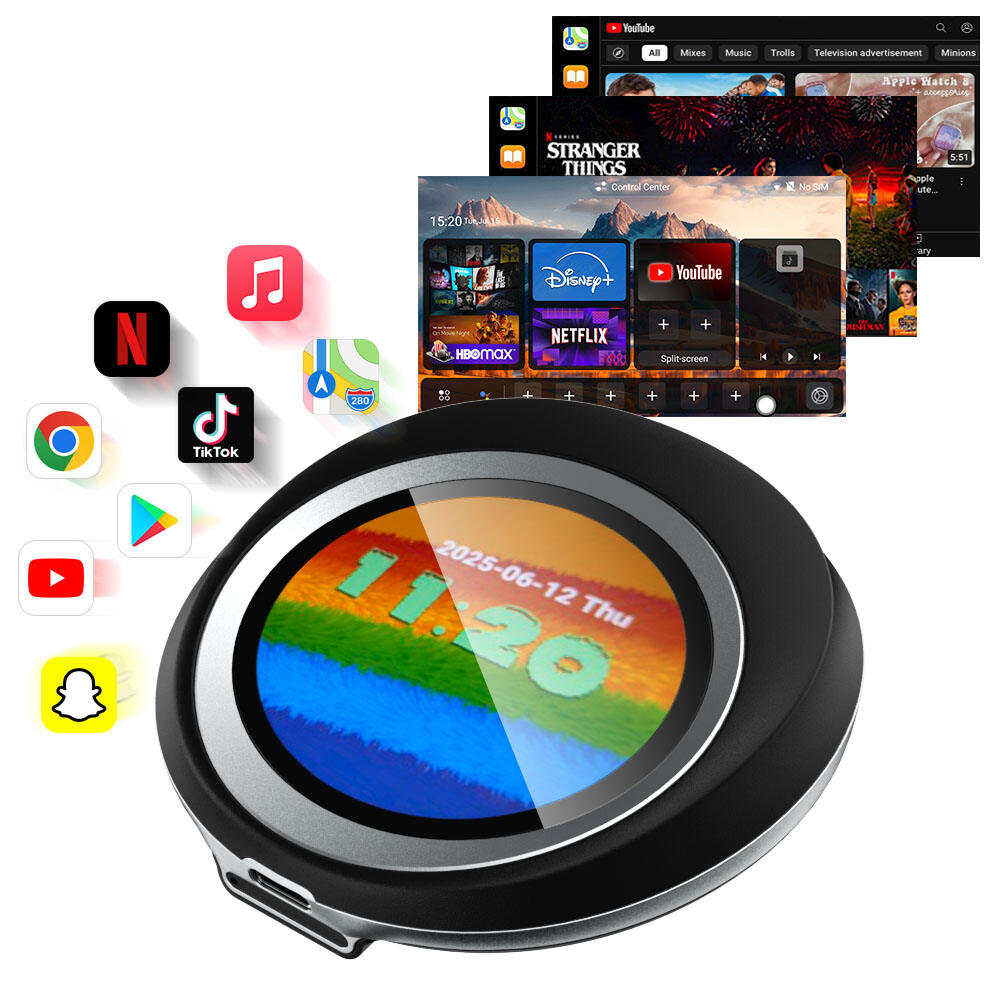
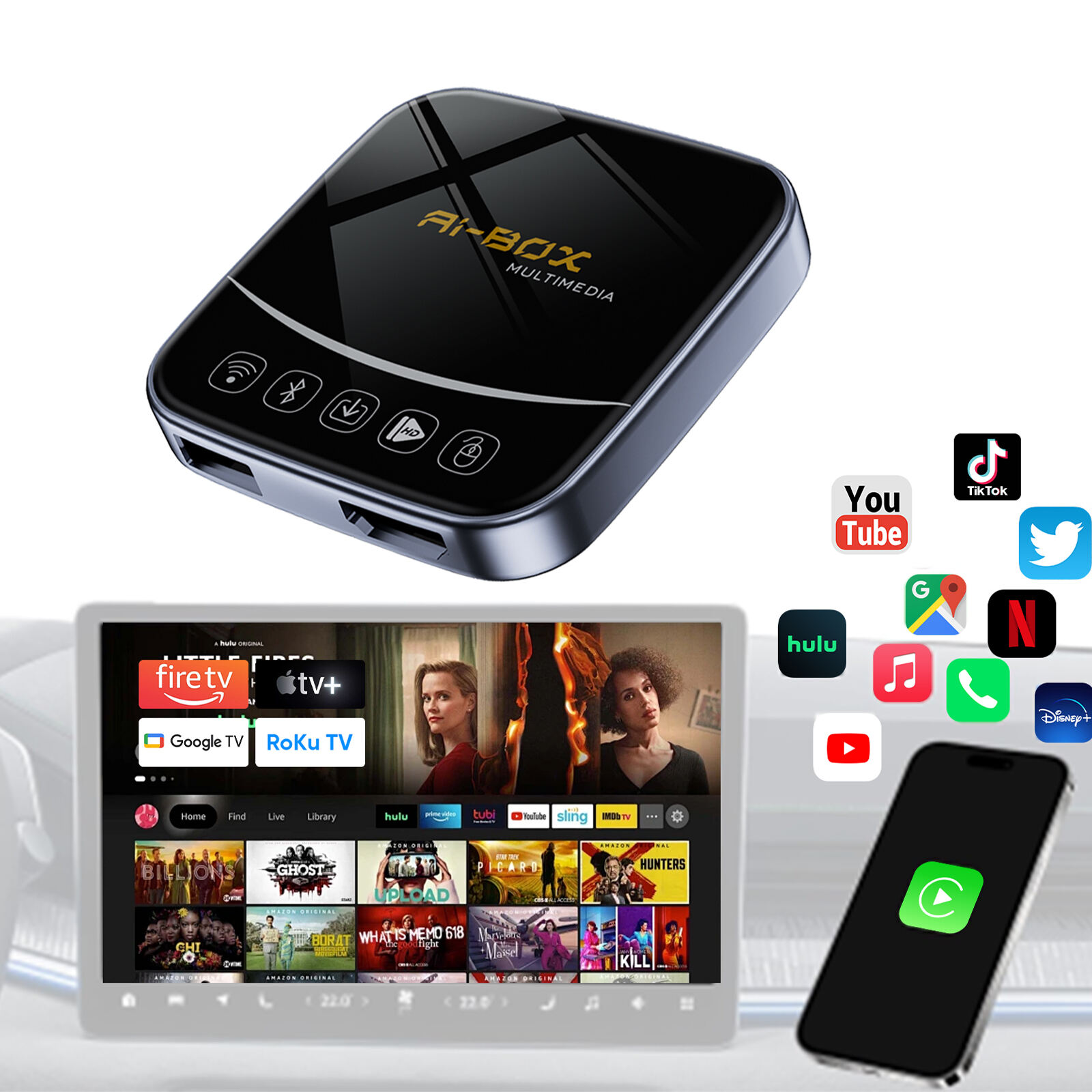
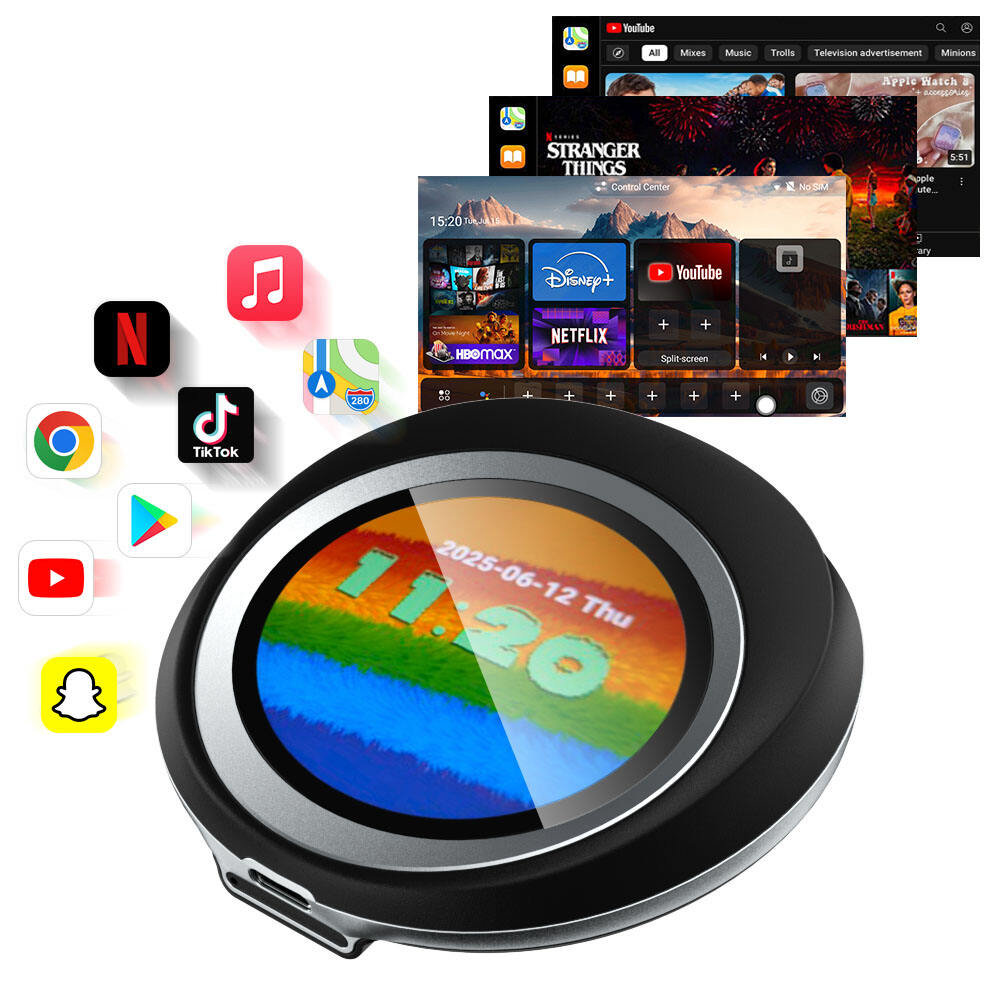
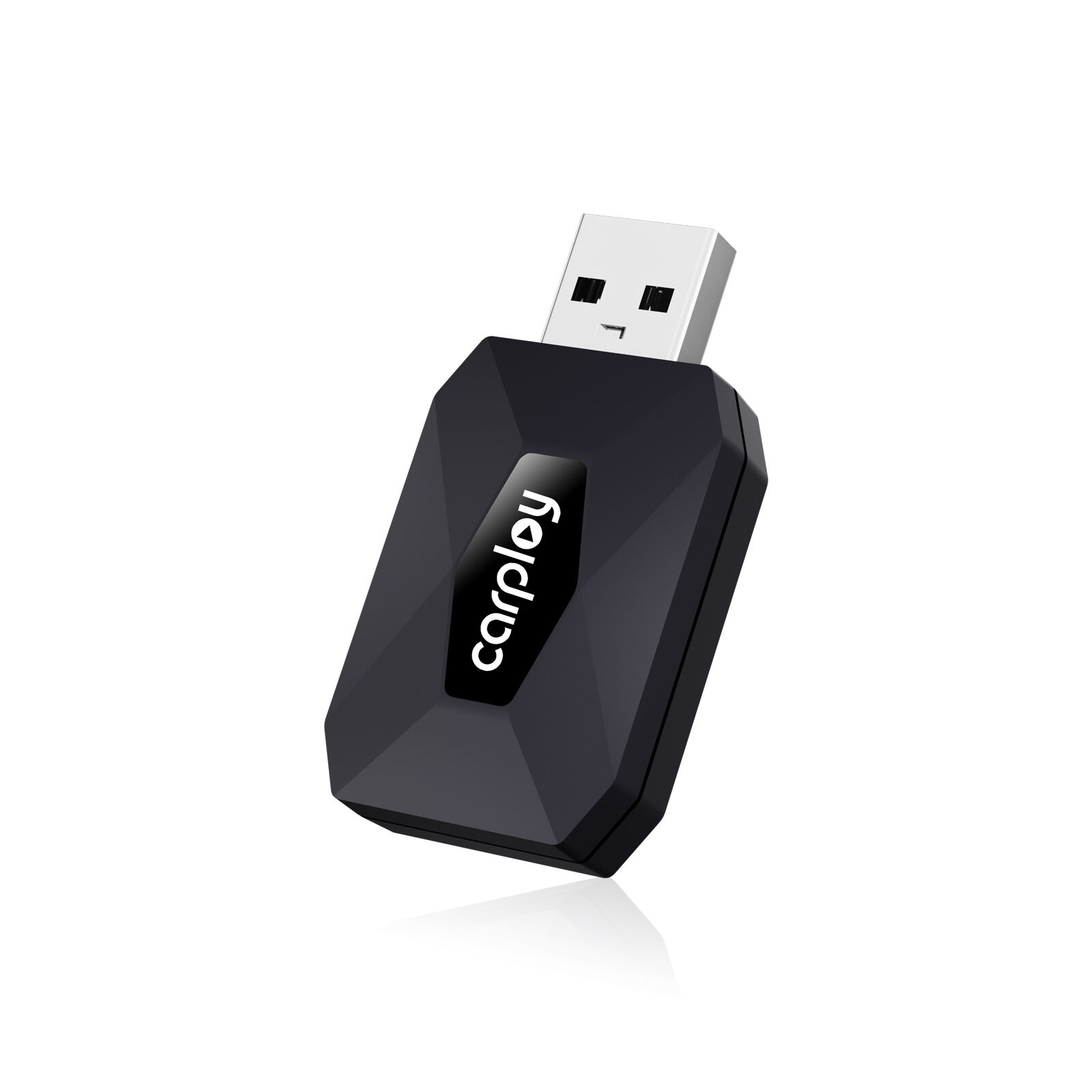
Wireless CarPlay and Android Auto adapters is exciting gadgets that helps drivers link their smartphones to cars with no wires. You can get your phone’s apps, music, and maps right on the car dashboard. That make driving safer and more fun. At FUALL WIN, we believe in smoother, more connected rides. So let’s check some key tips for picking the best wireless apple carplay adapter and issues users might have.
When picking the best wireless adapter for CarPlay and Android Auto, think about a few things. First, see if it compatible with your car and phone. Not every adapter works on all car models or phone types. Find one that say it fits your vehicle and phone brand. Next, ease of setup matter. Some plug in and work quick, others need app downloads or extra steps, because simple ones save time and trouble.
And range of wireless link is important too. Good adapter keep strong connection without drop while driving. You don’t want music or nav cut out from a bump. Also, price count. Some cost a lot, so fit your budget. But cheap ones usually lack quality or features. Thats why spending more for reliable one that last is worth it. In addition, read reviews from users. The carplay multimedia box give real info on how it work and problems.
Many users face common problems with wireless CarPlay and Android Auto. Connectivity issue happen often, adapter don’t connect fast, which frustrate. If so, turn off phone Bluetooth then on again. This can fix the link. Another is lag or delay. Apps or voice assistant respond slow, annoying when navigating or changing songs quick.
Battery drain worry too. Wireless use more power than wired, so phone drain faster. Keep it charged or plug in. Some say phone or adapter get hot. Then take break to cool. App compatibility trouble also, not all apps work perfect wireless carplay ai box, limit choices. For these, contact FUALL WIN support. We here to improve your drive.
If phone not connect to car with wireless CarPlay or Android Auto adapter, no panic! Simple steps can fix. First, check phone Bluetooth on. It might off by mistake. Go settings, turn on. Next, make sure adapter plugged good and powered. If light there, see if glow. Means ready.
Maybe phone not compatible. Check FUALL WIN instructions if your phone work. Still trouble? Reset adapter with small button, press it then connect. If no luck, search online or ask tech friend. Sometimes few tries make it perfect!
As a national high-tech enterprise, we integrate design, R&D, production, and sales under one roof, offering strong in-house innovation and full-process control for automotive electronics.
Holding ISO9001, CE, FCC, RoHS, UKCA, BSCI, and design patents, our products are certified for smooth entry into markets across North America, Europe, Asia, and beyond.
We provide tailored solutions for product appearance, packaging, logo, and UI, backed by comprehensive shipping, image, operational, and packaging support for a seamless partner experience.
Our quality system includes incoming material inspection, triple motherboard functional checks, and full pre-shipment inspections, ensuring every product meets the highest reliability standards.

 EN
EN